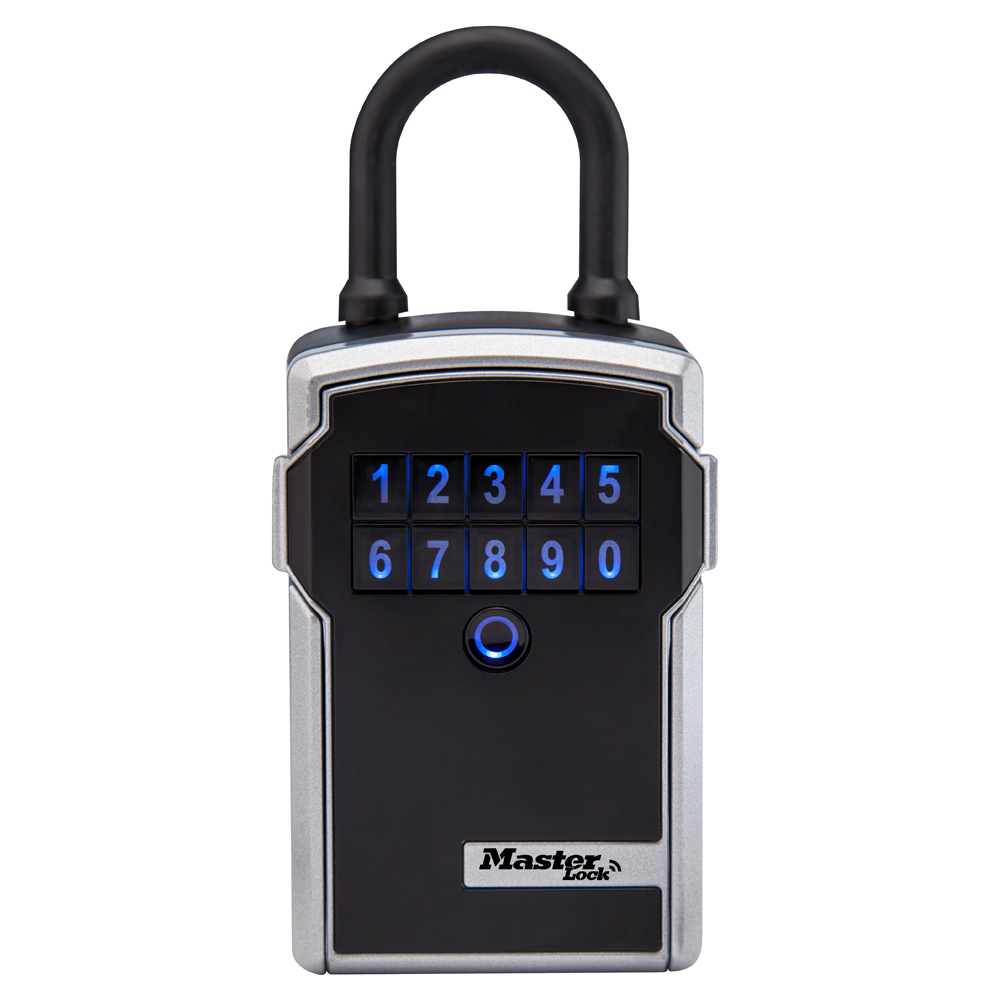
Portable Bluetooth® Lock Box for Keys with 1-13/16 in (46 mm) Shackle
Bluetooth & Electronic Locks Model: 5440EC Best Seller

Features
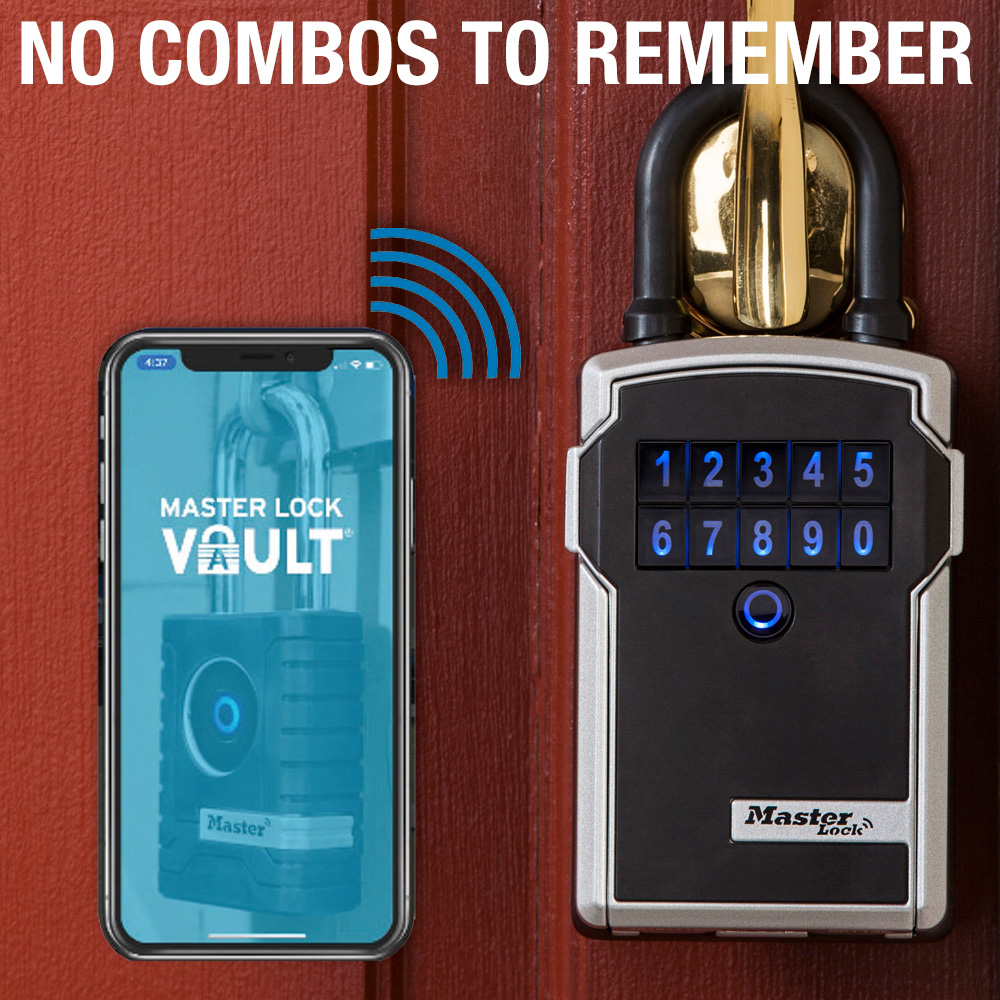
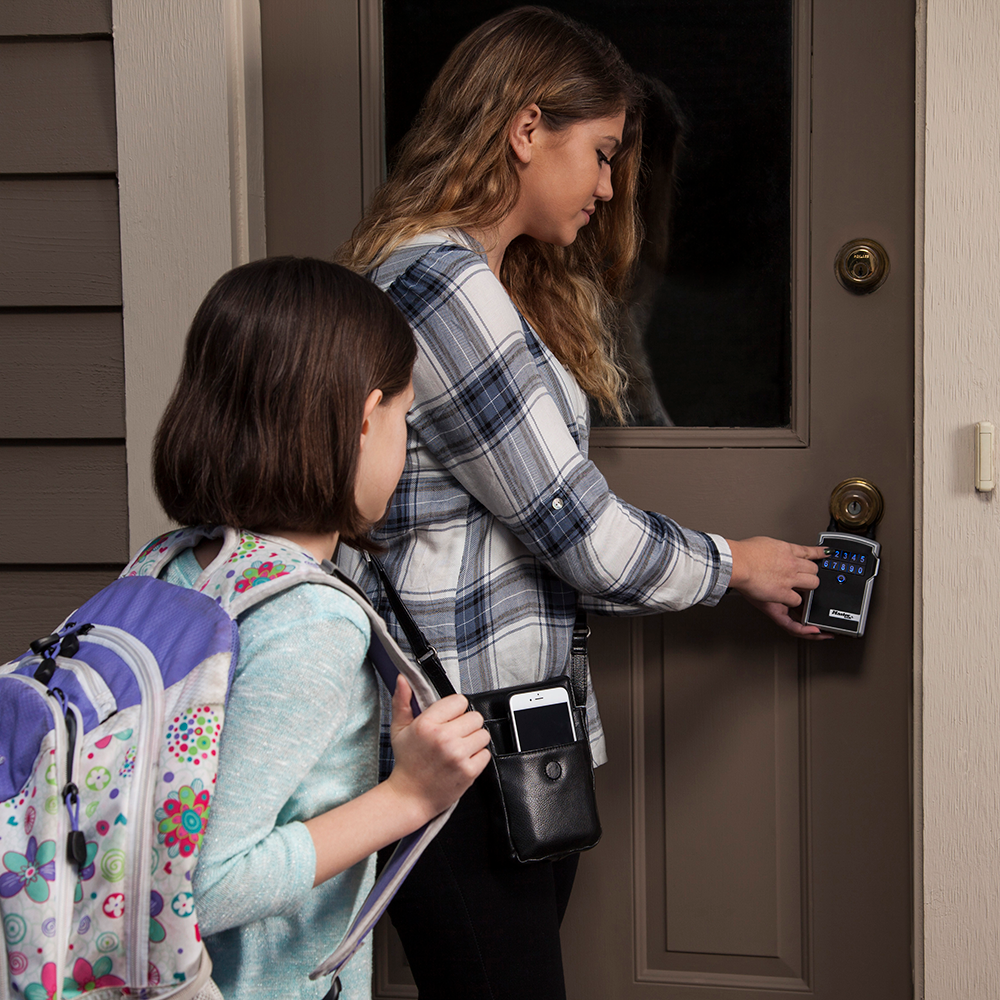
- Keyless Entry – Easily open the Bluetooth lock box when your smartphone is in range or by entering the access code on the keypad
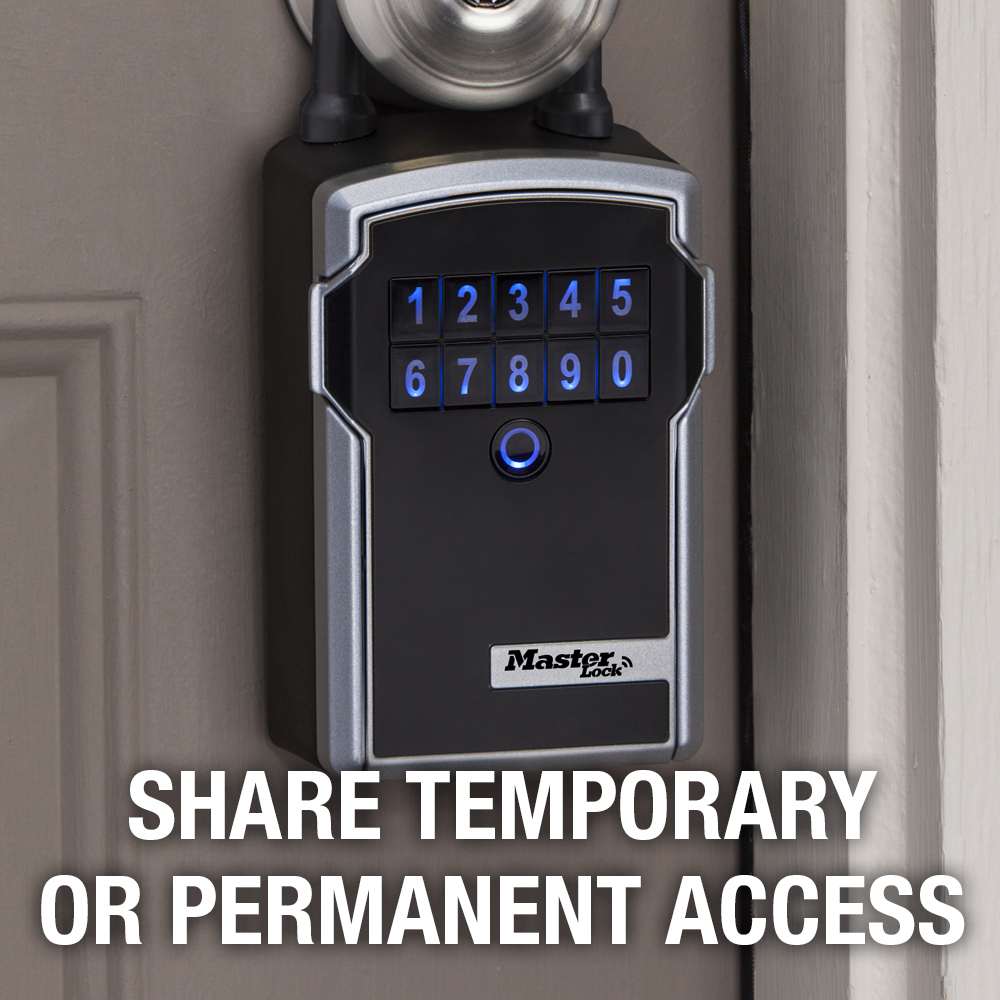
- Monitor & Manage Access – Provide temporary or permanent access to family, friends and service providers with the Master Lock Vault apps
- Metal Lock Body – Durable metal design for weather resistant outdoor use
- Large Storage Capacity – Secure key storage box is designed to store keys, key fobs and access cards
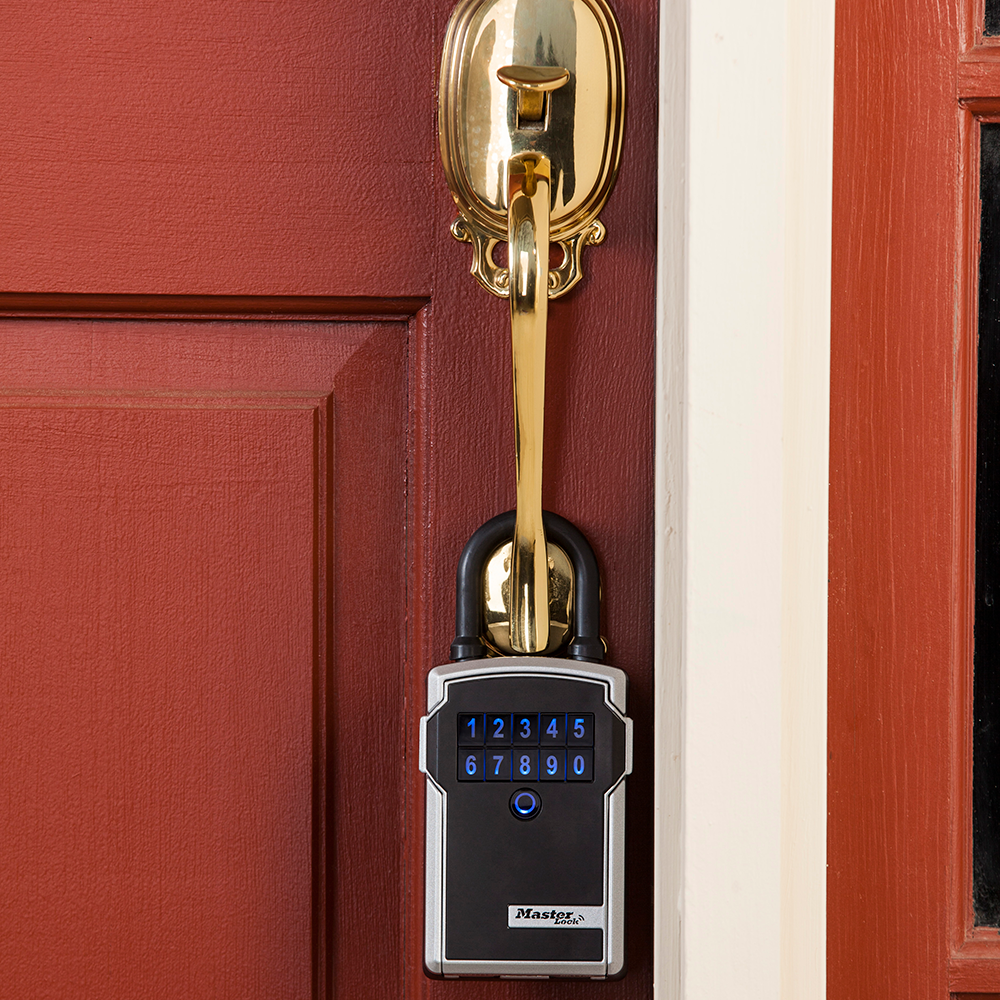
- Portable Design – Lock box for keys features a fully removable shackle for easy installation at other locations
- Battery Included – Includes a CR123A battery that’s easy to replace and provides up to 2 years of battery life
- Low Battery Alerts – Receive notifications via the app and the lock box itself when battery life is low
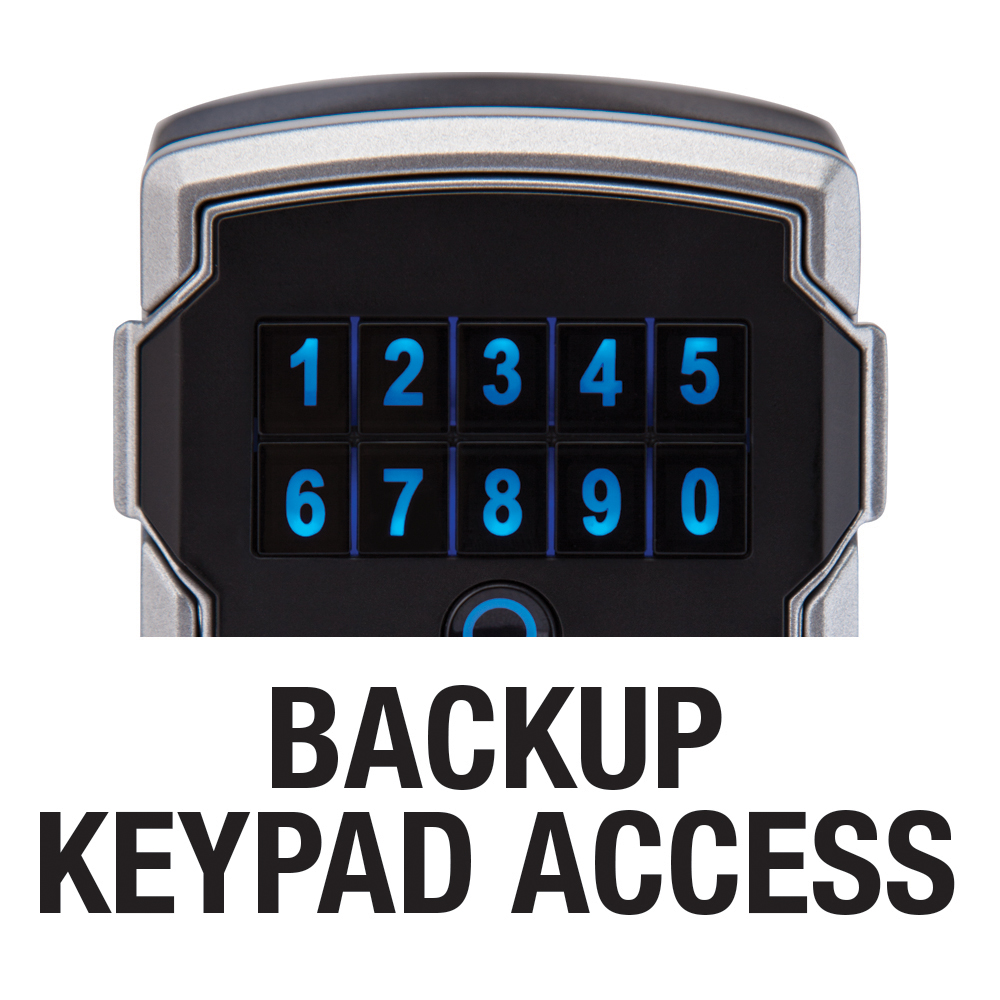
- Backup Access – If the battery dies while the lock box is locked, gain temporary access by jumping the lock box with a 9-volt battery
- 1-Year Limited Warranty – We stand behind our products and commitment to quality
Features
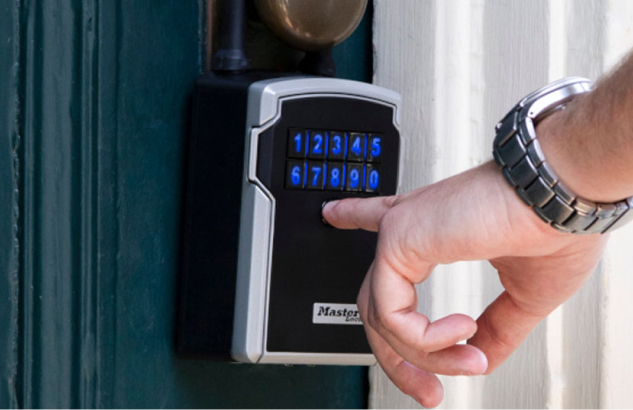
Light-Up Keypad
The keypad features easy-to-read numbers that light up for better visibility at night and in low light conditions.
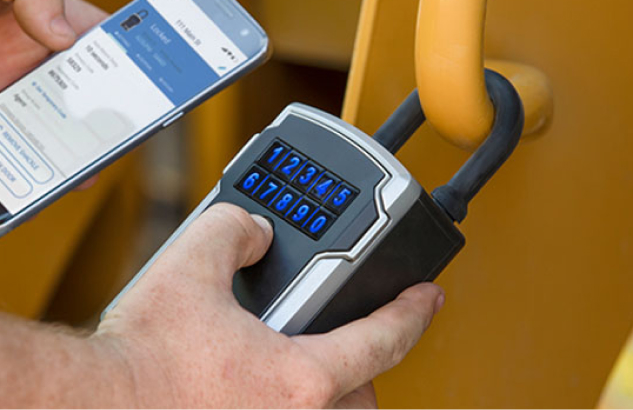
No Keys Needed
With Bluetooth technology and the Master Lock Vault apps, your smartphone or a simple access code become your key.
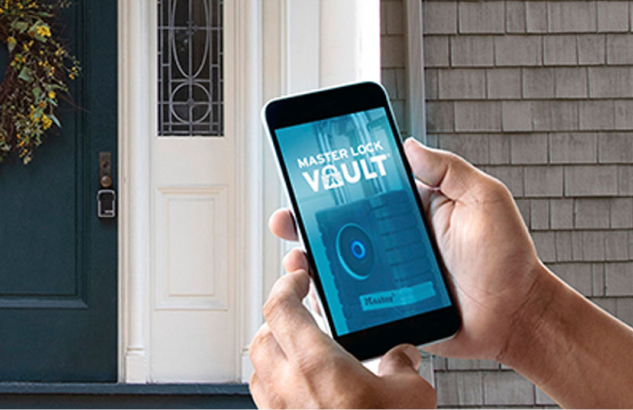
Manage Access With The App
Use Bluetooth to provide family, friends and service providers with permanent or temporary access to the lock box using either ongoing or one-time use codes. Plus, change permissions and monitor access 24/7 through the app.
Environment & Applications: Weather Resistant
Overview
Specifications
- Product Number: 5440EC
- Description: Electronic, Ecommerce Packaging
- Master Carton Qty: 12
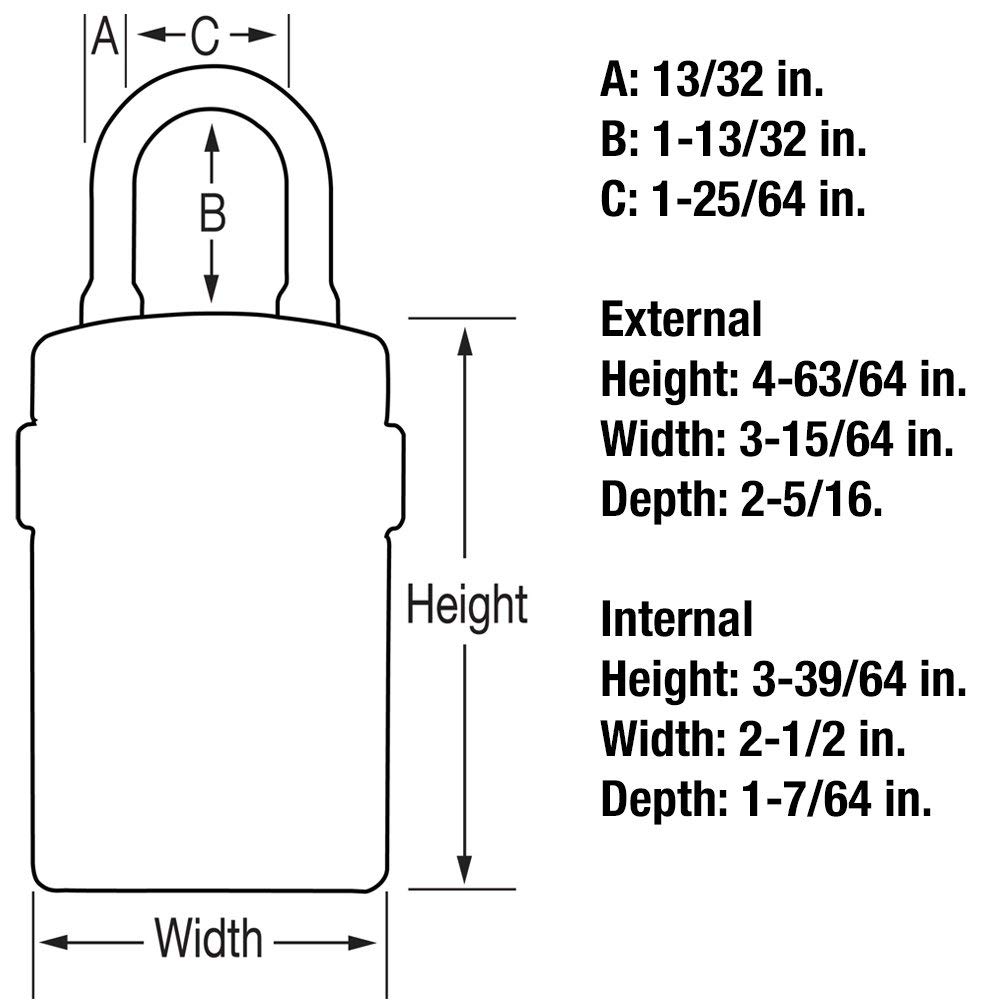
- Shackle Length: 1-13/32 in (36 mm)
- Shackle Width: 1-13/16 in (46 mm)
- Shackle Diameter: 13/32 in (10 mm)
- Exterior dimensions (H x W x D): 7-13/64 in (18.3 cm) x 3-1/4 in (83 mm) x 2-5/16 in (59 mm)
- Color: Silver
Your Reputation is Our Reputation.
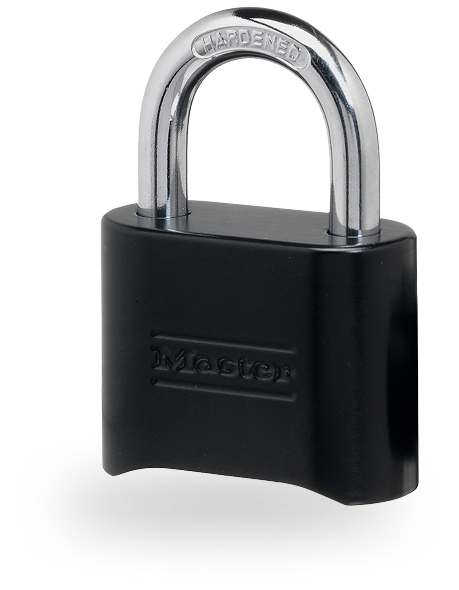
Legacy
As the authority in locks and safes for over a century, why would you choose anything else?
Resilience
We build and test our products to meet the highest standards for strength and durability — because you won’t stand for anything less.
Innovation
We don’t innovate for the sake of innovation. Every enhancement ensures our products are more secure, easier to use and simply better than the rest.
Service & Support

Product
Manual

Related
Information

Online
Support
Video
Frequently Asked Questions
Support for Bluetooth Lock Boxes
You can open your Master Lock Bluetooth lock box by using Bluetooth or by entering a numeric code on the keypad.
To open using Bluetooth:
- Ensure that you are a registered user in the Master Lock Vault Home or Vault Enterprise app.
- Open the app and log in.
- Press any key on the lock box keypad. If using the Vault Enterprise app, also press the blue key in the app.
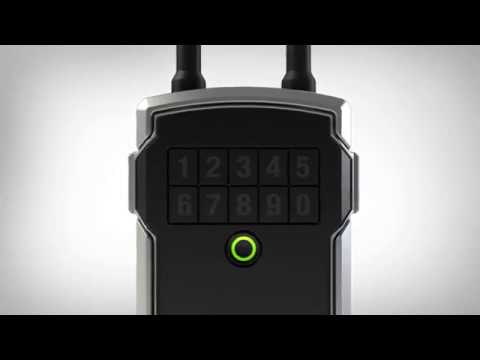
- Open the compartment when the light turns green.
To open using a code:
- Enter the code into the keypad.
- Open the compartment when the light turns green.
If your lock box door doesn't relock, you will need to unlock the compartment door again using one of the access codes or Bluetooth from the app.
The lock box will make a clicking noise (one or three clicks may occur), and the ring will turn green to indicate that it has unlocked.
Then close the door and wait until the unit clicks and the ring flashes blue to indicate the unit has relocked. Then pull firmly on the compartment door to confirm that it's locked in place.
If you are still having issues relocking the lock box, try:
- Looking at the bottom plastic piece inside the bottom of the lock box. If the pin on the right is bent or missing, it will not push the sensor letting the lock know the door is closed. You may need to replace the pin.
- Changing the battery. The lock box takes a CR123A battery.
The yellow LED displays when your battery is low. You should replace it with a new CR123A battery. If you just replaced the battery, please note that it can take up to 72 hours for the light to turn off. Watch our video instructions to learn how to change the battery.
With normal usage, your lock box's battery should last 2 years. If the battery dies while the lock box is closed, you can use an external battery to open the lock box compartment.
- Find the battery jump contacts on the bottom of the lock box.
- Hold a new 9-volt battery in place and use your phone to unlock the lock. You can also enter the access code on the keypad.
- After opening the lock box, install a new CR123A battery.
The activation code for each lock box is in the upper left corner of the instructions provided in the packaging. If you've lost the instructions, please visit a Master Lock distributor or retailer with your lock box. You can ask them to contact Master Lock for the activation code using the ID that is engraved on the bottom of your lock box.